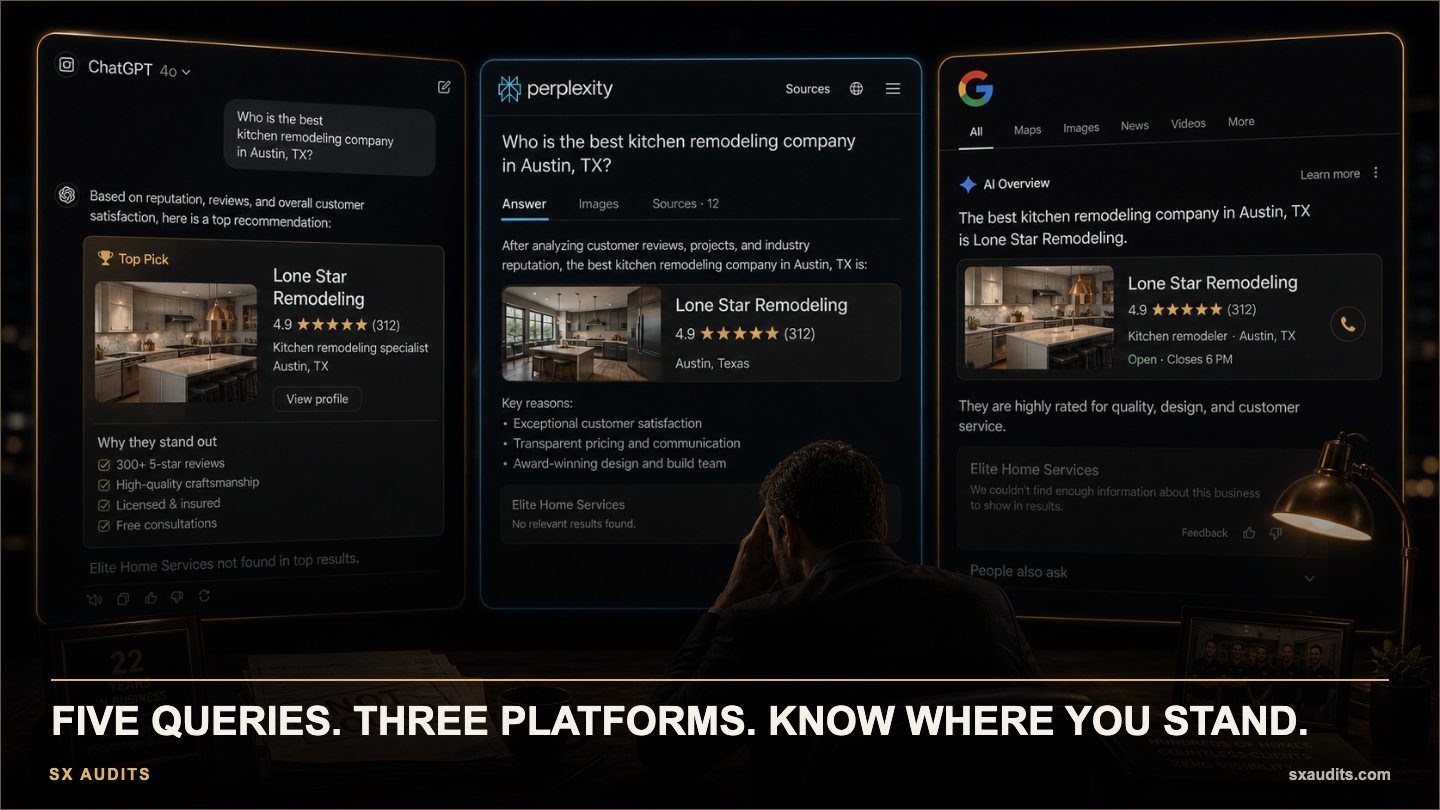
How to Actually Verify If ChatGPT Is Recommending Your Business
A contractor in Queens assumed he was being recommended by AI platforms. He had a good website, 47 Google reviews, and had been told by his SEO agency that his rankings were solid. He had never actually tested it.
When he ran the test — five queries, three platforms, one afternoon — his business appeared in zero responses. A competitor he recognized, and two he'd never heard of, appeared consistently across all three platforms.
He wasn't losing at visibility. He was losing at a game he didn't know was being played.
Why Most Businesses Have Never Run This Test
AI visibility is a new discipline. Most business owners track website traffic, ad performance, and Google rankings — metrics from platforms that send reports. AI platforms send no reports. If your business isn't appearing in ChatGPT recommendations, you won't receive a notification. You'll just lose leads you never know you could have had.
The verification process is simple and takes under 30 minutes. What you find will almost certainly change what you prioritize next.
The Verification Method
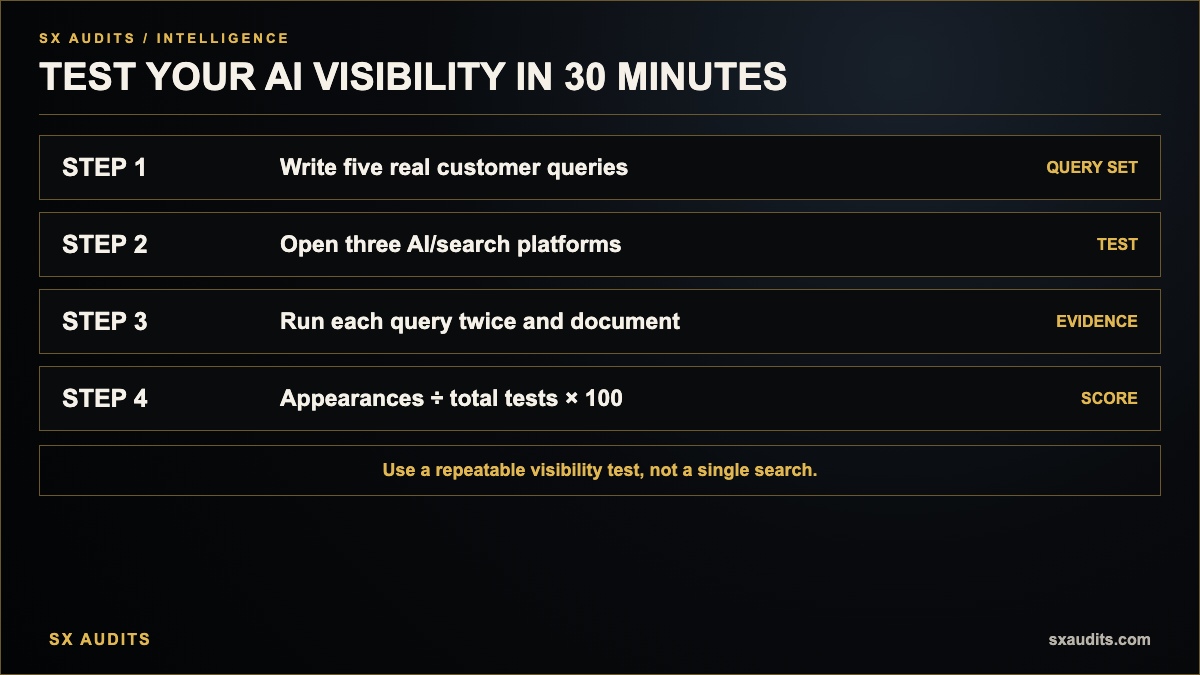
Step 1: Build your query set
Write down five to ten queries that represent how your actual customers search for businesses like yours. Not your preferred keyword phrases — the natural-language questions they actually type or speak. For a family law attorney, this might be: "Who is the best family law attorney in [city]?" or "What family lawyer should I use for a divorce in [city]?" Write these down before you open any platform.
Step 2: Test across three platforms
Open ChatGPT (chat.openai.com), Perplexity (perplexity.ai), and Google (google.com) in separate incognito or private browser windows. Run each query on all three platforms. For ChatGPT, run each query two or three times — AI responses vary between runs, and a single test can be misleading.
Step 3: Document what you find
For each query and platform, note: Does your business appear? If yes, in what position and with what description? If no, which businesses appear instead? Are those competitors you recognize? Do they have something structurally different about their digital presence?
Step 4: Calculate your baseline visibility score
Count how many of your total test instances (queries × platforms × runs) your business appeared in. Divide by the total number of test instances. If you appeared in 4 out of 20 tests, your baseline AI visibility is 20%. This is your starting point.
Responses Vary Significantly Between Runs — Test Multiple Times
ChatGPT's responses are not static the way Google rankings are. The same query run at different times or with slightly different phrasing can produce different results. Run each query at least twice, ideally on different days. A business appearing in 40% of test runs is in a meaningfully different position than one appearing in 100% — both differ from zero, but the first is inconsistent and vulnerable.
Phrasing Matters More Than You Expect
"Best [service] in [city]" and "who should I call for [service] in [city]" may produce very different AI responses. Test your queries in multiple natural-language formulations. The businesses that appear consistently across multiple phrasing variations have stronger AI visibility infrastructure than those that appear only for specific wording. This also tells you which query format your content is best optimized to answer.
Note What The AI Says About Your Competitors — Not Just That They Appear
When a competitor appears in an AI recommendation, the AI typically explains why it's recommending them. Read those explanations. They reveal what signals the AI found confidence in: specific service areas, cited reviews, citable content, directory listings, or expert credentials. This is competitive intelligence about what your digital infrastructure is currently missing.
Google AI Overview And Traditional Rankings Are Often Decoupled
Test your queries in Google specifically to see whether you appear in the AI Overview section at the top versus the organic results below it. It's common to rank in the organic results while being completely absent from the AI Overview. These require different optimization strategies — the Overview is driven by AEO and GEO signals, not traditional ranking factors.
Your Baseline Is A Starting Point, Not A Verdict
Most businesses score between 0% and 30% on their first AI visibility test. This is normal — the discipline is new and infrastructure gaps are common. The value of running this test is not to confirm you're invisible but to establish the baseline from which improvement can be measured. A business that goes from 10% to 60% AI visibility over six months is capturing meaningfully more of the highest-converting traffic in its market.
What to Do With What You Find
If your business appears consistently (above 50% of test instances): your AI infrastructure is working. Focus on maintaining content freshness and expanding the query categories you appear for.
If your business appears inconsistently (10–50%): you have a foundation but significant gaps. The most common causes are content freshness, NAP inconsistency across platforms, and incomplete schema markup.
If your business does not appear (below 10%): start with the fundamentals — claim and verify your GBP, standardize NAP across all platforms, implement LocalBusiness schema, and add at least one FAQ page with structured answers to customer questions.
Want to know exactly where your business stands with AI search?
We run the full diagnostic and deliver a findings report in 72 hours. No discovery call. No commitment.
Book the Audit →Related intelligence · selected for this topic
Framework developer and systems thinker specializing in AI implementation and decision architecture. Creator of the AI Council methodology — a structured multi-model framework used to surface deeper insights in complex decisions. The audit intelligence at Sovereign X Audits is built on these same principles.
aicouncilconductor.com →Find out exactly where your business stands.
We audit your digital infrastructure, AI visibility, and brand presence — and show you exactly what it's costing you.